The Gift Guide / Blog / The Gift Guide App
You Asked. We Listened. The New Gift Guide App Is Here.
We’ve been listening to your feedback, and we’re excited to share the next chapter of The Gift Guide.
Our improved iPhone app is here, making it easier to save the things you love, build your wish list, and share gift ideas with friends and family.
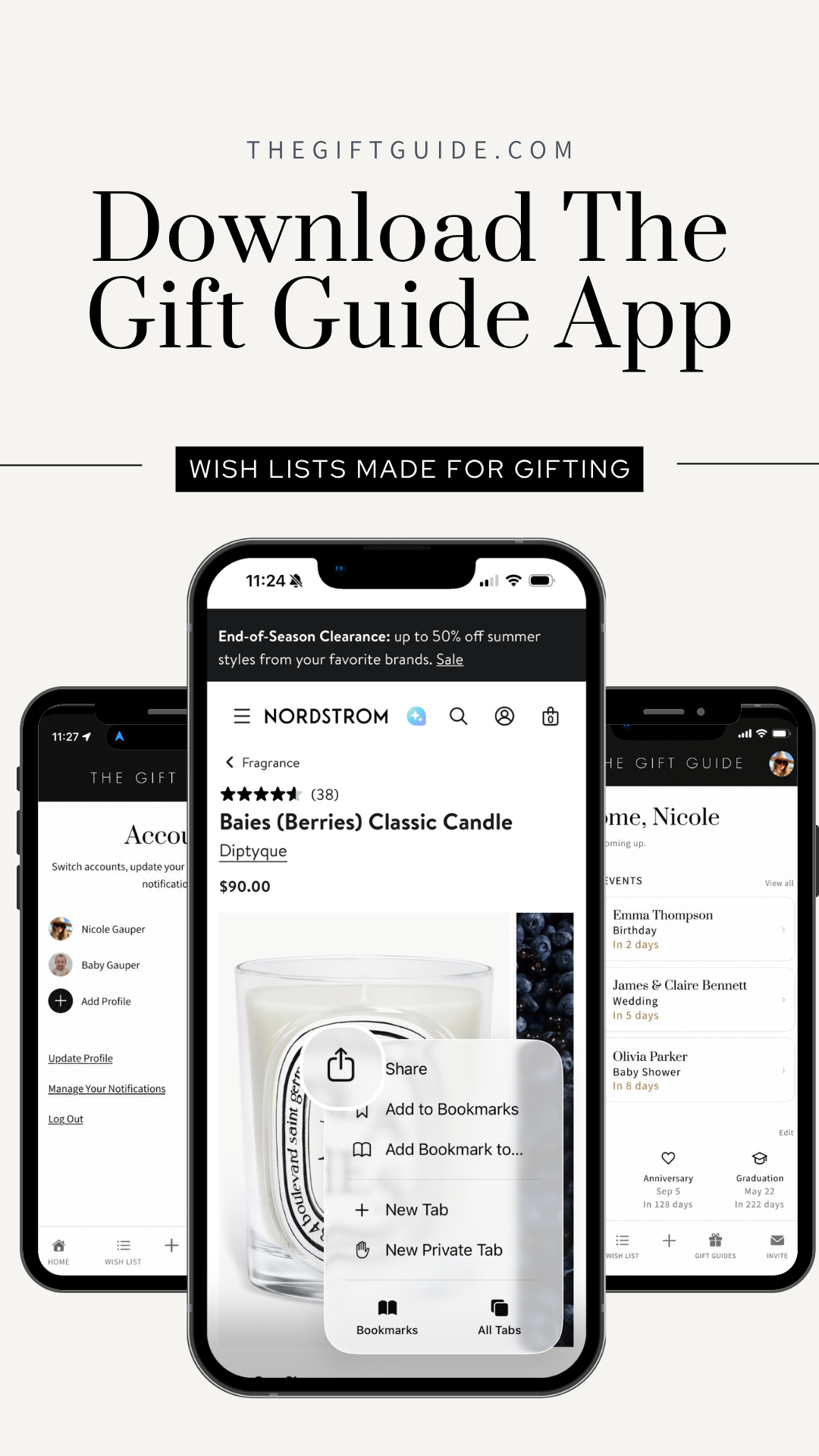
The biggest update? You can now save gift ideas while browsing in Safari. Find something you love, tap Share, select The Gift Guide, and add it to your wish list.
Available for iPhone and iPad.
What’s new
Saving a gift idea can now be part of the moment you discover it. With The Gift Guide 2.0, you can send a product from Safari to your wish list through your iPhone’s Share menu—without keeping a tab open or reminding yourself to save it later.
Your wish list brings those discoveries together. Revisit saved items to add details such as size or color, then share what you love with the people shopping for you. Less guesswork for them, and no last-minute scramble to remember what caught your eye.
How to get started
- Find something you love. Open a product page in Safari on your iPhone.
- Tap Share. Choose The Gift Guide from the Share menu.
- Save it to your wish list. Update the item title if you’d like, then tap Save. You can return to your wish list to add details such as size or color.
Want to follow along? Our illustrated mobile saving tutorial walks you through each step.
Ready to start your holiday wish list?
Start with one thing you love—a book you’ve been meaning to read, something for your home, or a little treat you’d be delighted to unwrap. Save ideas as you find them, and your holiday wish list will be ready when someone asks.
Already have the app? Check the App Store for the latest update. If you’re joining us on mobile for the first time, download The Gift Guide, sign in, and make yourself at home.
Then share your wish list with friends and family. You’ll give them a thoughtful starting point while leaving them the joy of choosing your gift.
Need a hand with your account or wish list? Visit our Get Started Tutorial.
Thank you for helping us make The Gift Guide better. We can’t wait to see what you save next.